
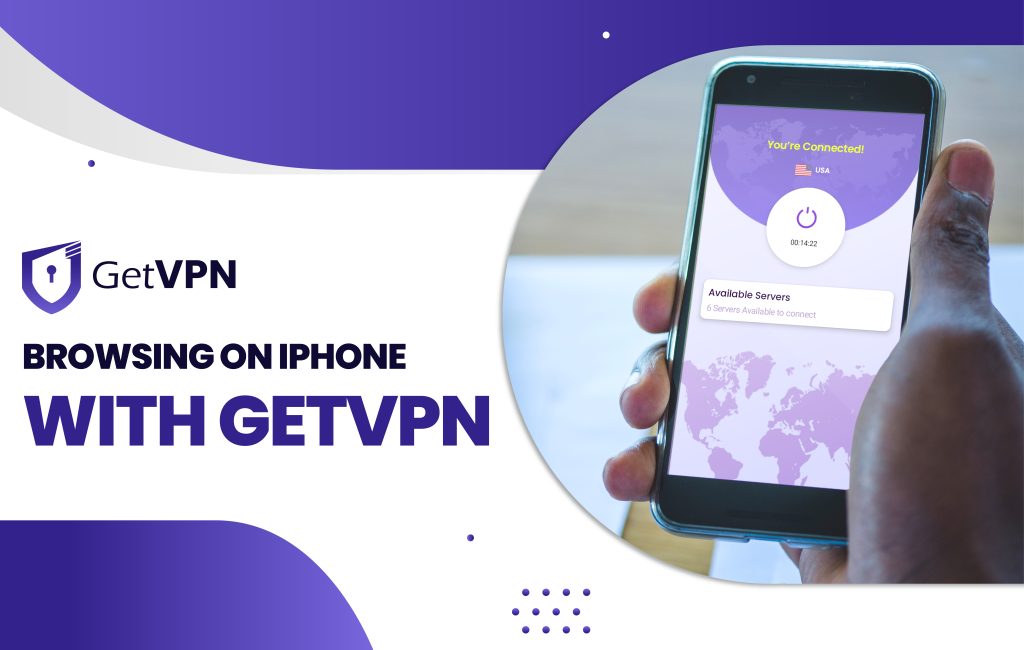
VPN can help in many ways to all iPhone users. Most businesses use GetVPN for accessing sites and apps. By using GetVPN applications, users can access them anonymously through GetVPN services. We fervently advise using paid elite services. Free VPNs frequently log your activity, inundate you with advertisements, and offer minimal utility.
Browsing on iPhone with GetVPN
Virtual private network, or VPN. Using GetVPN, Your IP is hidden, and your internet traffic is encrypted. By routing your data through remote VPN servers, a VPN service prevents your web host and other parties from intercepting and snooping on your traffic and private information. You now have an obscured address and an encrypted connection.
Your iPhone is additionally shielded from hackers and data snoopers by a network of virtual private networks. Iphone will help you save All information if you install a program that uses VPN connections and links to a VPN server. Your iPhone’s IP address will be veiled when you use a VPN service, preventing websites from learning where you are. When you use this to access the internet, additional privacy is added.
VPNs and their advantages for both people and businesses are common these days. A GetVPN can help most people’s desktops or Android phones as privacy, and data security concerns grow. However, the same couldn’t be said of iPhone users, as many continue to harbor what might be referred to as “the Apple syndrome” and think they are secure because they use iOS.
It is, therefore, necessary for iPhone owners to take precautions to safeguard their online traffic. It’s never been simpler to protect your iPhone with a VPN! Using GetVPN can change online browsing and the rest of the activities.
Security by GetVPN on iPhone
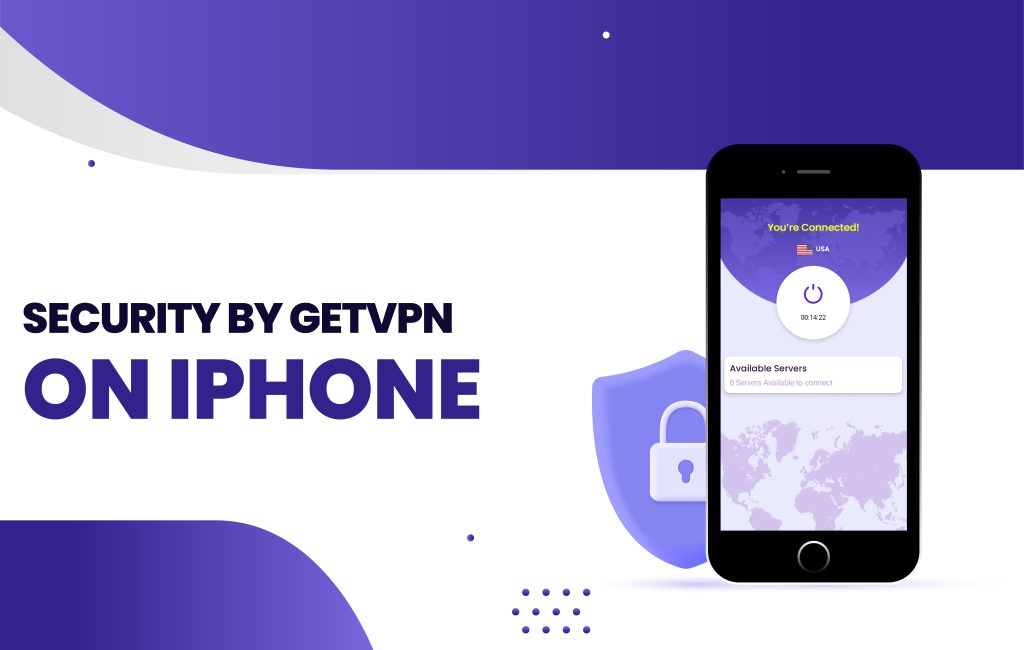
Even though the iPhone is exceptionally safe, it cannot defend itself against threats hidden behind free Wi-Fi connections. When using public Wi-Fi networks, a GetVPN connection protects your online activity and data from hackers, persistent ad monitoring, Wi-Fi spoofing, and other security threats.
Need of GetVPN for iPhone User
Your traffic passes through an encrypted tunnel when you activate a GetVPN. When your traffic departs your device, it is protected. Hackers and other outside parties cannot see what you are doing online or the data you transmit because a service such as VPN masks your IP address.
Why do you need a GetVPN?
Here’s an answer for you.
If you care about your privacy
Too many privacy doubters assert that they aren’t concerned about being watched online because they don’t engage in wrongdoing or embarrassing behavior. They contend that they have nothing to conceal as a result. When someone has that mindset, they frequently need to be conscious that their ISP can see which websites they visit. Or that online platforms gather information about them and sell it to businesses so they can use it to display relevant advertisements. Not to mention cybercriminals, who can target you and your loved ones with personalized phishing attacks using this confidential data. You will be shielded from online activity monitoring if you choose the right VPN service provider. Your data is securely encrypted when you link to a remote VPN server, making it impossible for even your ISP to access.
If you use public Wi-Fi networks
Since there is now almost always free Wi-Fi available in coffee shops, libraries, airports, and retail centers, staying online constantly has never been simpler. You only need to select to be secured. But each time you use a public Wi-Fi network, you compromise the security of your iPhone.
These networks typically have no encryption and are entirely unprotected. Anyone who connects to them is vulnerable to hacking. Your financial information, login credentials, and other confidential data could fall into the hands of hackers if you are not cautious.
GetVPN for Avid Travelers
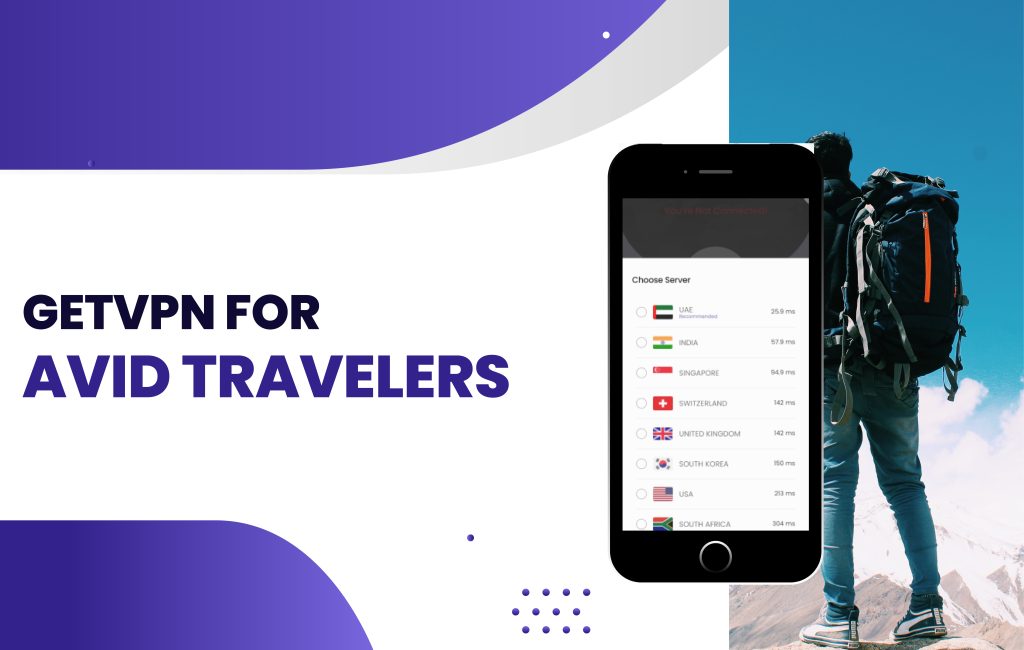
A VPN will enable you to access websites with a local IP address when you travel, study, or work overseas. This is particularly helpful if you visit a nation with stringent censorship and restrictions.
Thus be careful to download a VPN app to your iPhone before you depart. Your device will acquire the IP address of the external VPN server when you link to it, making it appear as though you are browsing from a different location than you are. Security from prying eyes and neighborhood internet service providers. (ISPs).
You can reach your devices remotely using a feature that GetVPN offers. That means you can still access files on your home computer while you’re away from it and even surf the web using your home IP address. In this manner, GetVPN can be beneficial for your Business to access all the web content easily.